UI Navigation through Eye Tracking
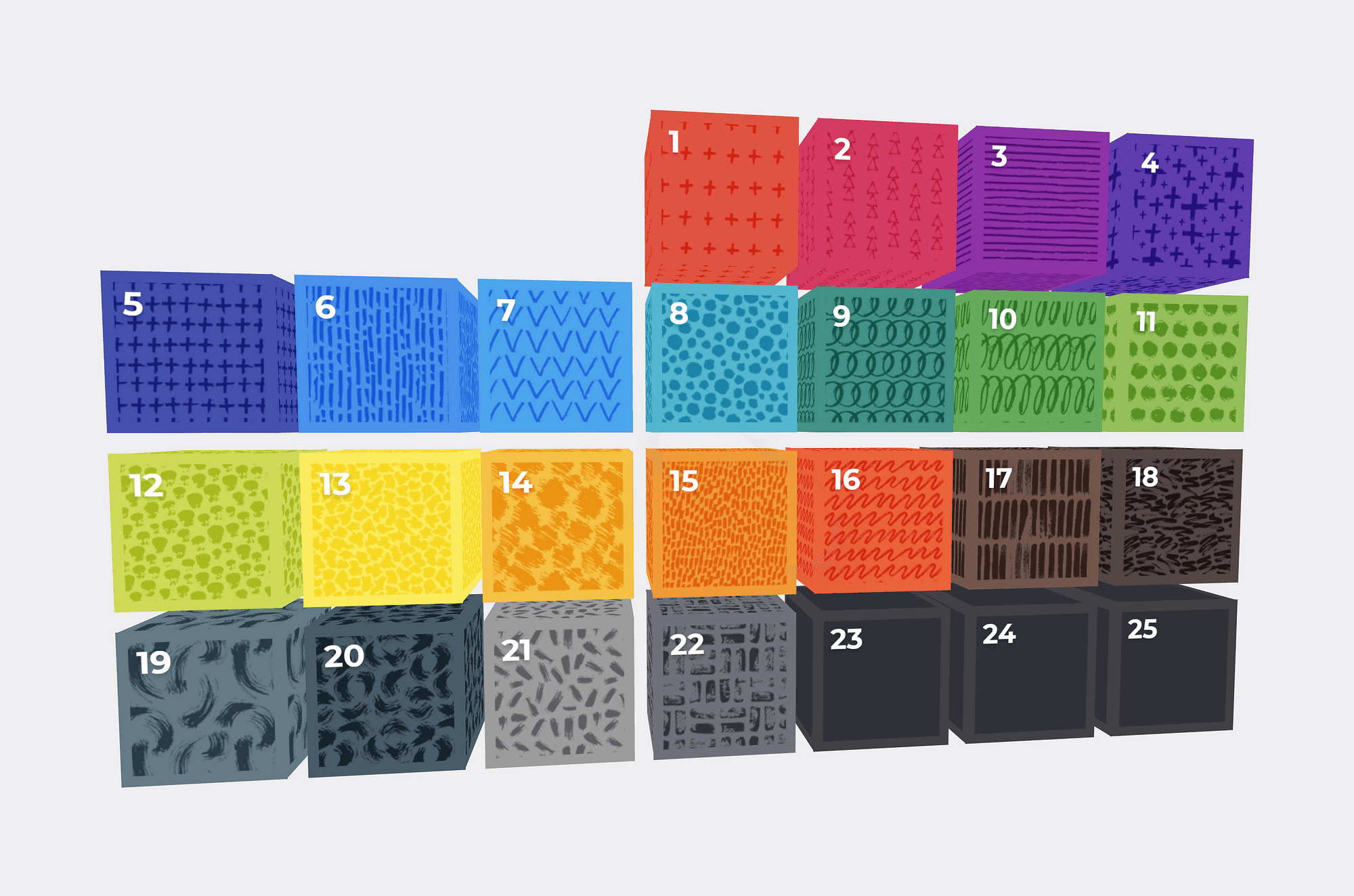
The demonstration application is adapted from a Christmas advent calendar demo — Use your gaze to select an item, and then focus on an item to open it!
I adapted a small demo of an Advent Calendar (original concept via Adult Swim, a Warner Media company) to create a technical demonstration of an interface controlled via Eye Tracking hardware.
Demo: https://meetingroom365.com/gaze/
Your eye tracking hardware, with the appropriate software, emulates mouse movement and clicks. So, you can preview this with your mouse.
Calibration
Our first step is to calibrate our hardware.
https://www.loom.com/share/79111ab0fef446c48d9e69abff34b33a
Here you can see the Calibration Process for the Tobii 4c
Demonstration
Now, we’re all set! We can interact with our display, hands-free.
https://www.loom.com/share/dd01dfdd1d7548bca609ccaec5fcd006
Here you can see my interaction with the demo application
Observations
Participants: 3
Initial Layout (grid)
Hover state is replaced by gaze position. This makes it nearly impossible to read the text which appears in the lower-right corner, since you have to hover near center mass of screen to trigger this item, and look away to read it.
Focus is drawn toward the top left corner of the calendar “cube” item, which requires accurate calibration. Attracting users to gaze to center of cube would be more forgiving of calibration drift.
Inner Page
More time should be available to read quote before timeout
Position of “Close” button is not forgiving of calibration errors — a more central position would allow additional calibration drift before impacting UX
